How to Activate Your QrMyCar Tag
Activate your QrMyCar sticker in a few quick steps. Stick the QR, scan with your camera, sign in with Google, and unlock secure calling & WhatsApp alerts.
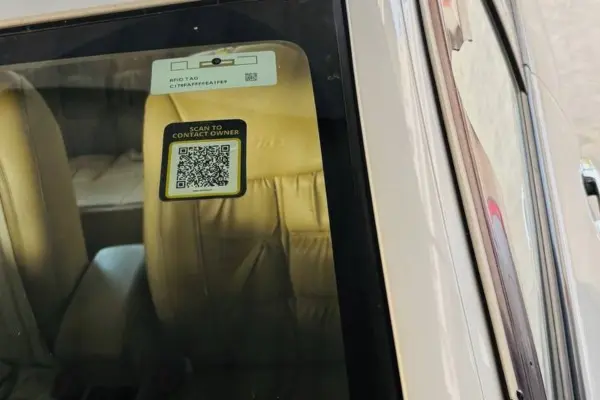
Stick QR Sticker
Place the QR sticker on your windshield from inside where it's clearly visible.
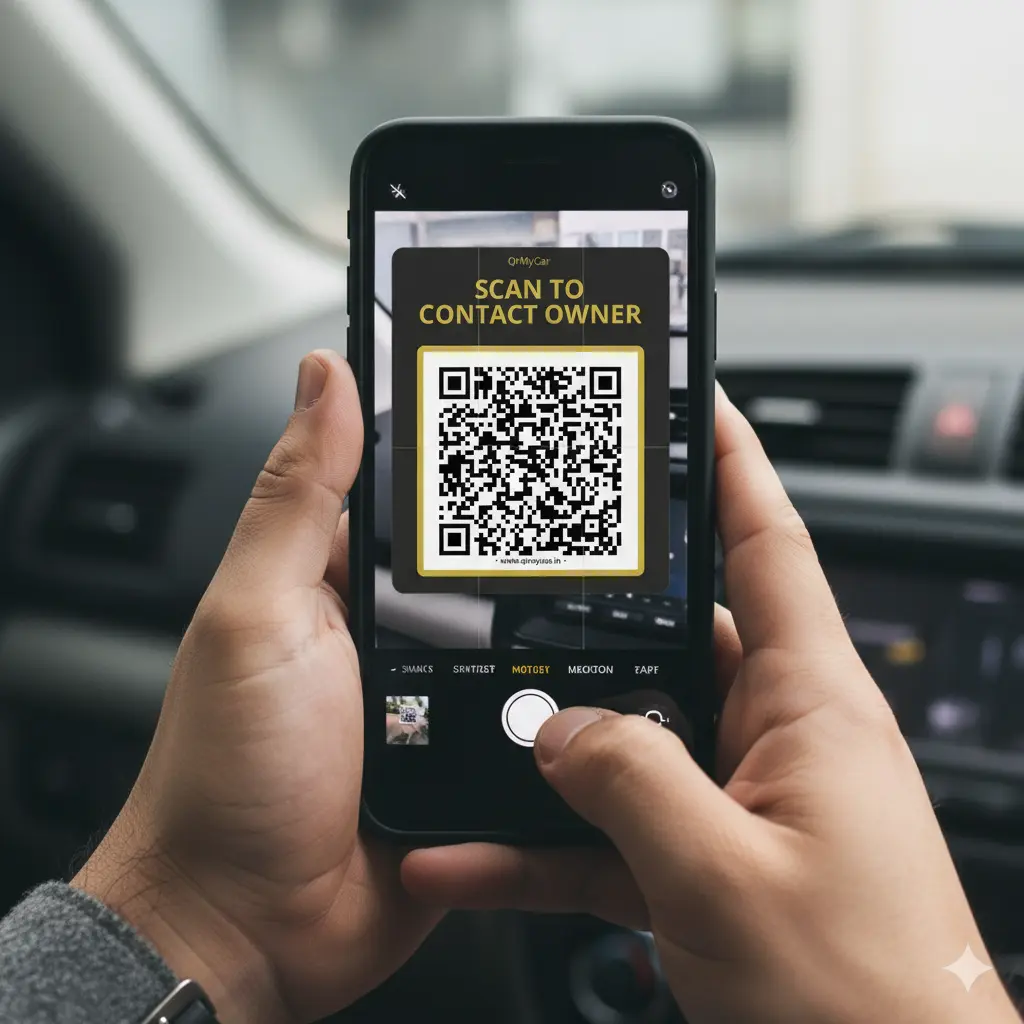
Scan QR Code
Use any camera app to scan the QR code and tap the link that appears.
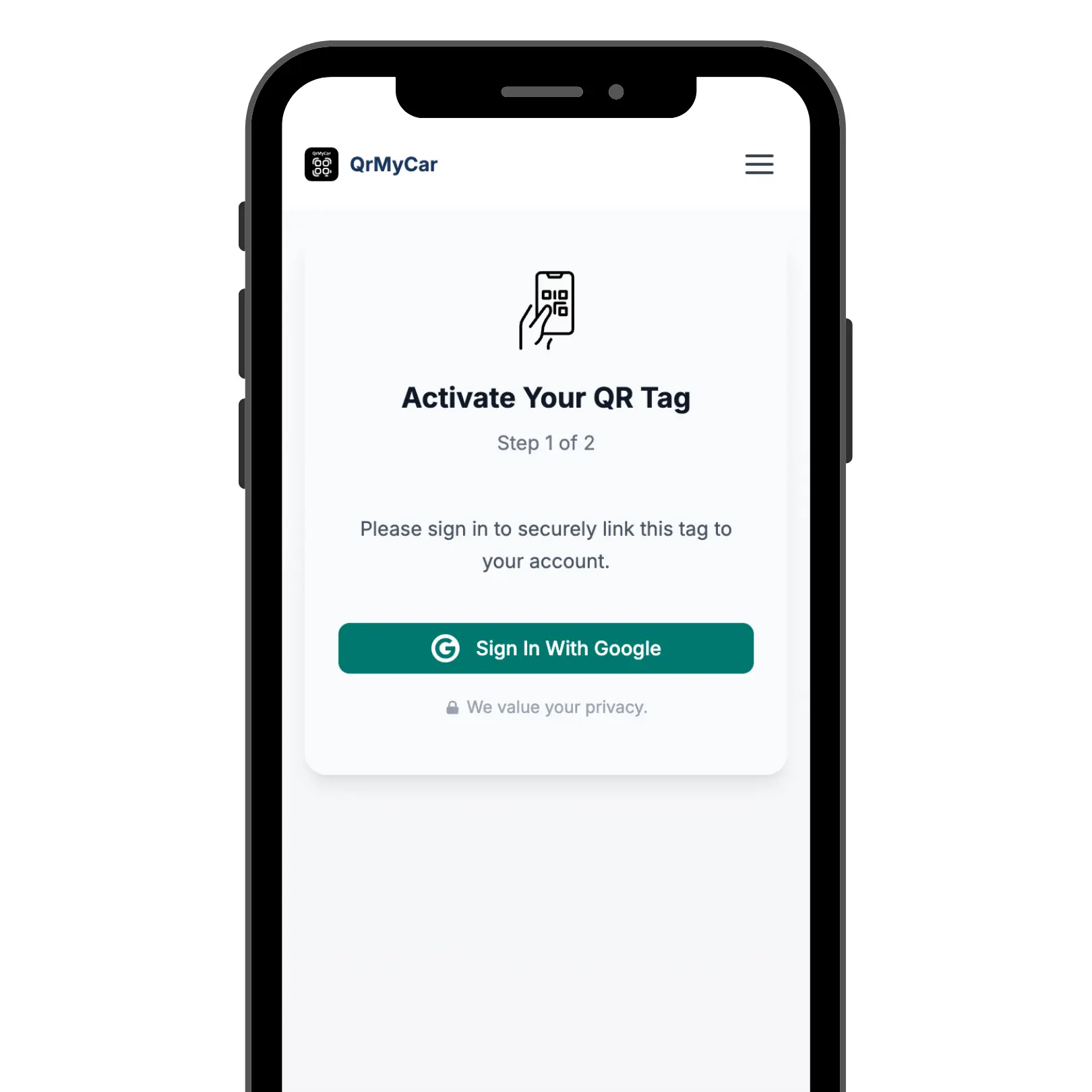
Sign In with Google
Tap 'Sign In with Google' on the activation page to securely verify your identity before setup.
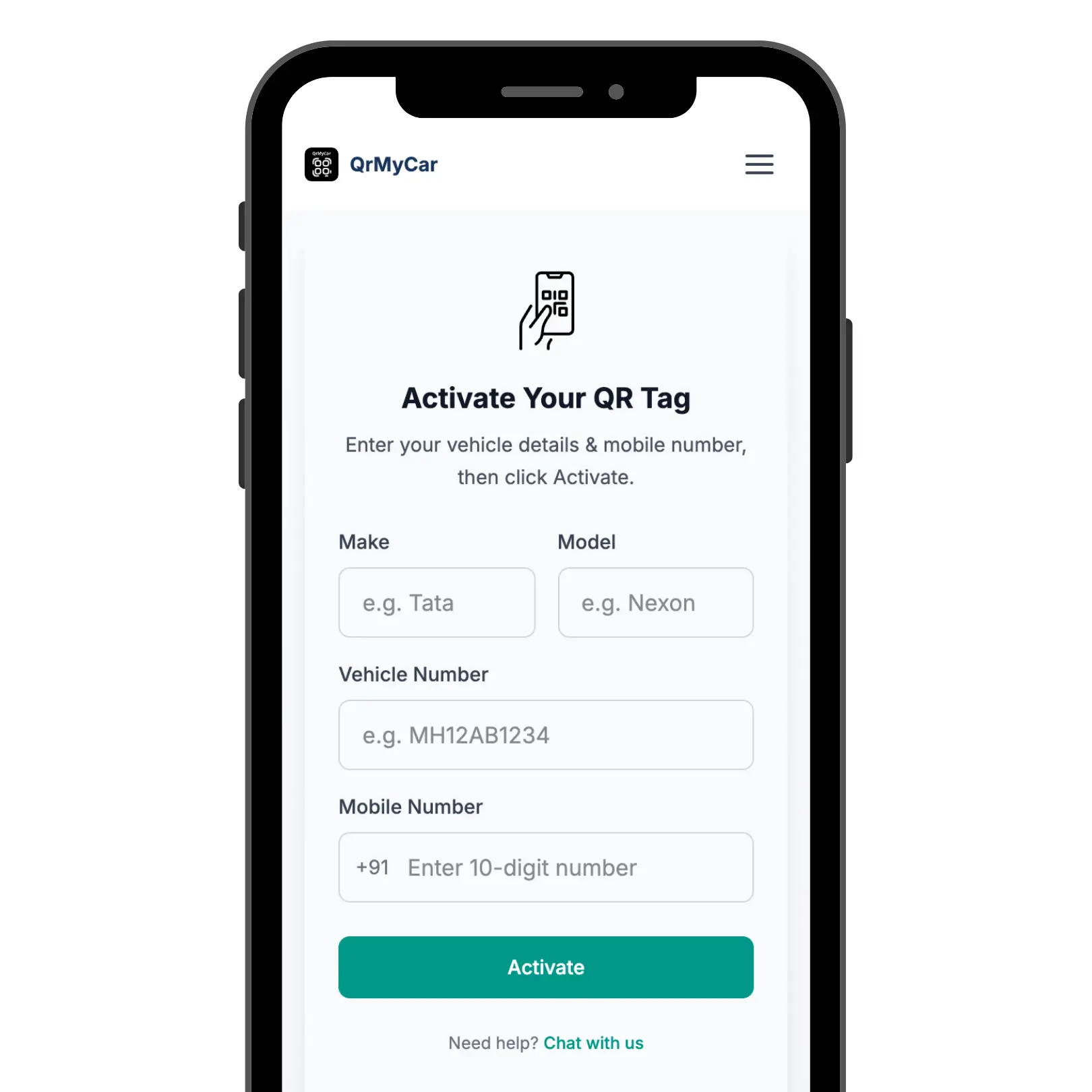
Enter Vehicle Details
Fill in your vehicle information and mobile number, then tap Activate.
Your Car Contact QR tag is now live! Anyone can now reach you instantly when they need to contact you about your vehicle.
What You Unlock Upon Activation
Experience our complete suite of on-road communication & privacy tools designed to keep you reachable without compromising your identity.
Secure Masked Calling
Callers connect with you via voice call without your personal phone number ever being revealed. Enjoy complete on-road privacy and peace of mind.
Instant WhatsApp Alerts
Receive immediate WhatsApp notifications for wrong parking, headlights left on, or emergency contact requests directly on your mobile device.
100% Identity Protection
No names, personal details, or sensitive contact info are ever shown to the scanner. Our privacy bridge filters communications so you stay safe.
Smart Owner Control
Easily toggle call masking on/off, update contact numbers, or manage multiple vehicles anytime from your user dashboard.